

When the answer lives in five places at once
You file a support request on a Monday. By Thursday the answer to "what happened here" is spread across four reply-all chains, a direct message someone sent you on the side, a screenshot pasted into a calendar invite, and a voicemail you have not listened to. The person who fixed the thing has moved on. The person who needs to know it happened was never on the chain. And when an auditor or a new teammate asks you six months later, you are reconstructing the story from memory.
That is the quiet cost of running support over email. Email is good at sending and bad at keeping. Every reply forks the thread a little more, and the side questions are the worst offenders: a clarification from one stakeholder, a parallel sub-task, a "can you confirm the account ID before we proceed." Each one feels small. Together they scatter the record of what your team asked for and what got done.
The Cloud Sentry portal handles those side questions with a feature we call a follow-up. Here is what one is, where to reply, and why keeping it in the portal beats letting it leak back into your inbox.
What a follow-up is
Most replies on your ticket land in the main updates thread, the running conversation about the request you filed. Sometimes we need to ask a side question that should not interrupt that thread: a clarification from a specific stakeholder, or a parallel piece of work that has its own little back-and-forth. For that, we open a follow-up.
A follow-up shows up as its own panel on your request page. It has its own title, its own thread, and its own reply box. The main updates thread keeps moving alongside it. Think of it as a side conversation that stays pinned to the ticket it belongs to, so nothing has to spill into a separate email chain to get answered.
The point is containment. The question, your answer, and the file you attached all stay attached to the request, where the next person can read them in order.
How you find out one is waiting
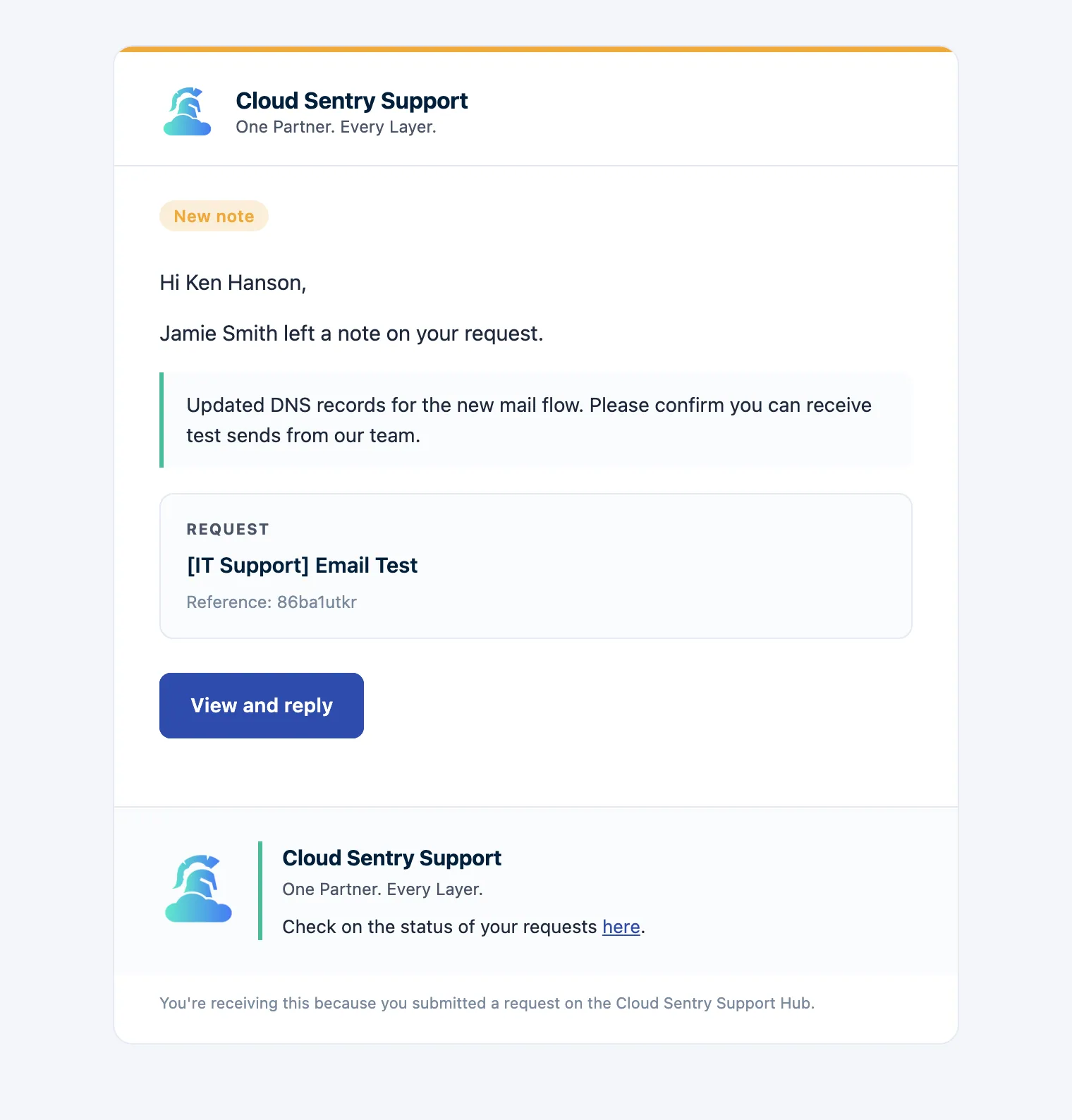
When we open a follow-up, three things happen at the same time, as described in the Replying to a follow-up knowledge base article:
- A new panel appears on your request page.
- A short notice posts on the main thread, so you see it if you are watching the ticket.
- You get an email from us with a direct link to the follow-up panel.
That email is a doorway, not the conversation. The link drops you straight onto the panel (it uses an anchor so you land right at it) and the reply happens there. You do not have to dig through your inbox to find the right message, and you do not have to guess which chain is current. There is one current version, and it is on the request page.
Where to reply, and why the portal wins
Open the follow-up panel and type into its reply box. You can attach files the same way you do on the main thread. When you send, your reply posts to the follow-up and the teammate who opened it is notified. No subject line to preserve, no worry about which address you sent from.
Replying by email does work, if you keep the subject line and message ID intact and send from the same address. We support it because sometimes you are on your phone in a hallway and the portal is one tab too many. Sending from a different address can break the threading, so the portal is the safer habit when you have the choice.
The reason to prefer the portal comes down to one thing: support is an operational record, not a chat log. When the conversation lives in one place:
- Anyone you share the request with sees the full history, not the slice that happened to be in their inbox.
- The reply, the timestamp, and the attachment are all bound to the ticket.
- Six months later, the answer to "who approved this and when" is one click away, not a forensic email search.
That last point is where this stops being a convenience and starts being security. Knowing who asked for what, who answered, and when is the backbone of an access decision or an incident review. A scattered inbox cannot tell you that. A single threaded record can.
What happens when a follow-up closes
The teammate who opened the follow-up closes it once they have what they need. The panel stays on your request page as history, but the reply box goes away. The main ticket carries on as normal. If you need to reopen a closed follow-up, post a reply on the main thread referencing it and we will open a fresh one.
So the side conversation never disappears and it never wanders off. It sits with the request that produced it, readable in order, for as long as you have the ticket.
One thread, one source of truth
Picture that Monday request again, except every side question stayed on the request page. The clarification, the file, the confirmation, the close: all in order, all in one place, readable by anyone on your team who needs it. Nobody is reconstructing the story from a voicemail. That is the whole idea behind keeping follow-ups in the portal. Security and support both come down to the same operational habit, which is keeping a clean record of what was asked and what was done. The email tag scatters that record a little more with every reply. The portal holds it together.
So the next time a follow-up lands in your inbox, the real question is small but worth asking: do you want this answer findable in six months, or findable until your inbox forgets it?