



You filed a request on Tuesday. It was something small: a former contractor at Northwind Logistics still had access to a shared mailbox, and you wanted it gone before the week closed. You hit submit, got a confirmation, and then went back to the 40 other things on your plate.
Now it is Thursday. You open the portal to check, and there is a word next to your request: Awaiting Customer. You stop. Awaiting you for what? Did someone ask a question you missed? Is the clock running on you now, or on them? You scroll, you squint, and the small task you filed two days ago has quietly turned into a thing you have to manage.
That feeling, the not-knowing, is the part that drains an operations team. The work is fine. The wondering is the cost. A good status tells you three things at a glance: what is happening, who owes the next move, and roughly when to expect it. When a status does that, you can close the tab and trust the system. That is the whole point of tracking a request: so you can stop carrying it in your head.
Where your requests live
Every request you submit while signed in shows up under My Requests, with the most recent at the top. That page is the single place to check, so you are not digging through your inbox trying to remember whether a reply ever came.
If you filed while signed out, you will still get email updates, but the request will only appear in My Requests when the account email matches the address on the ticket. For an operations lead tracking work across a team, signing in first is worth the extra few seconds. It keeps everything in one list you can scan in the morning.
What each status means
Cloud Sentry uses a short list of statuses on purpose. A long list looks precise and reads as noise. Six statuses, each one telling you who owes the next move:
- New means we have the request but nobody is on it yet. During business hours you will usually see this only briefly.
- In Progress means a Cloud Sentry engineer or analyst is actively working it. The move is ours.
- Awaiting Customer means we need something from you to continue. A banner appears on the request page when this is the case. Reply through the page or your email to clear it, and the move comes back to us.
- Awaiting Vendor means we are blocked on a third party, for example a software vendor's support team. The move is theirs, and we are chasing it.
- Resolved means we believe the work is done. The ticket auto-closes after a few days if you do not reopen it.
- Closed is final. If you need more help, file a new request and link back to the closed one.
The pattern worth internalizing: anything starting with Awaiting is a handoff. Awaiting Customer is on you. Awaiting Vendor is on someone we are managing. In Progress is on us. Read the status, know whose turn it is, move on.
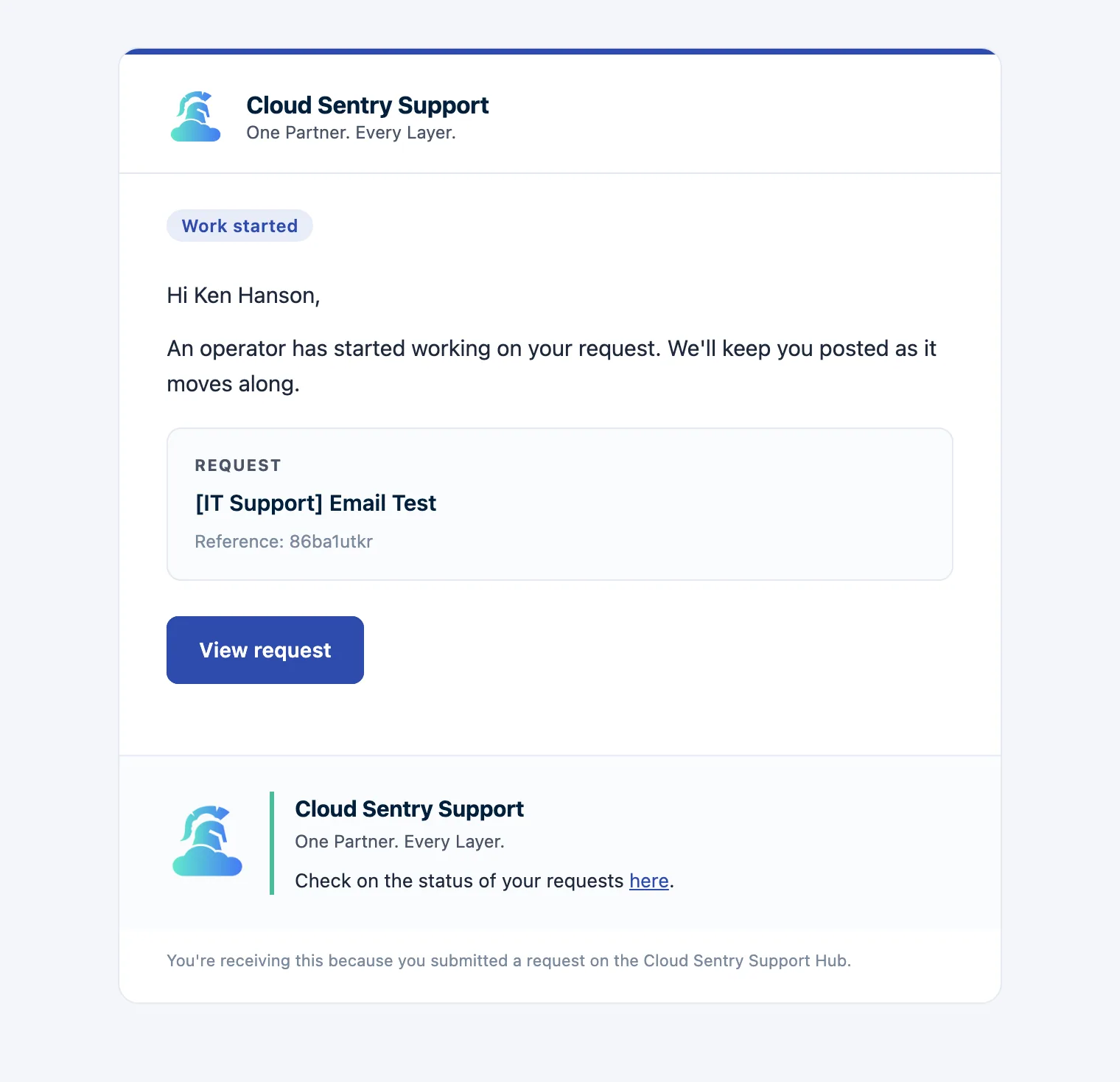
When to expect the next move
A status answers what and who. The reasonable next question is when. Movement depends on the type of work and where the request sits, so treat the following as a general guide (not a guarantee) and check the request page for specifics:
- New to In Progress is usually quick during business hours; that is the gap we work hardest to keep short.
- In Progress can sit for a stretch on deeper work without anything being wrong. Open the request to read the latest update if you want detail.
- Awaiting Customer is the one status where the timeline is genuinely in your hands. The faster you reply, the faster it moves.
- Awaiting Vendor moves on the vendor's clock, not ours. We push, but we do not control their queue.
If a status has not changed and you are unsure why, the updates thread on the request page is the place to look before you ask. Most of the time, the answer is already posted there.
The status is the accountability
A status is a record of who held the work and for how long. Awaiting Customer for three days is a different story than Awaiting Vendor for three days, and the portal keeps both honest. Security and operations are ongoing work that has to be tracked, handed off cleanly, and owned by someone at every step. The status line is where that ownership shows.
A clear status is a promise: you will always know whose move it is.
So go back to that Thursday morning, the request that read Awaiting Customer and made your stomach drop. The status was doing its job, telling you the move was yours before another day slipped by. The real question is whether your status tells you, at a glance, what to do next. Does yours?